404: SLEEP NOT FOUND
Brain offline. Insert caffeine to continue.
calendar
One of the first assignments during my Foundation Degree, I had to create an application that was no more than 100 lines of code while also using basic input and output libraries and loops.
I decided to do something different instead of a generic quiz or calculator, which led to creating the calendar.
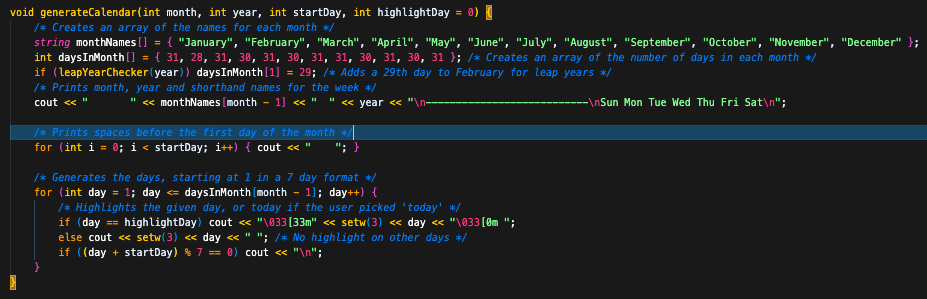
I started by working on the layout of the numbers for the month, making sure they lined up in a format that resembled a month long calendar.
After I had the layout I was going with, I then focused on mapping the number of days to each month which was achieved by using an array containing 28, 30 or 31 in order of the months.
Once I was able to display the correct number of days per month, I was able to shift my focus to generating the actual calendar based on whether the user wanted today's date or whether they wanted to choose their own.
To make sure they were given an accurate calendar I had to make sure that they couldn't check a date too far into the past, which was achieved by limiting to January 1st 1970 as the earliest they could check from.
I also needed to make sure that leap years were accounted for, which was achieved by calculating whether or not the year provided by the user was divisible by 4 and not 100, or by 400 so that I could set February to 29 days if it returned true.
click to preview images
noughts and crosses
During another assignment while studying, I was tasked with creating a basic version of a noughts & crosses game which consisted of a working game with minimal features and a more advanced version containing
of at least 3 new additional features that the basic version did not have. The basic version starts off with player 1 and prompts them to take their turn, it alternates back and forth between players until the grid
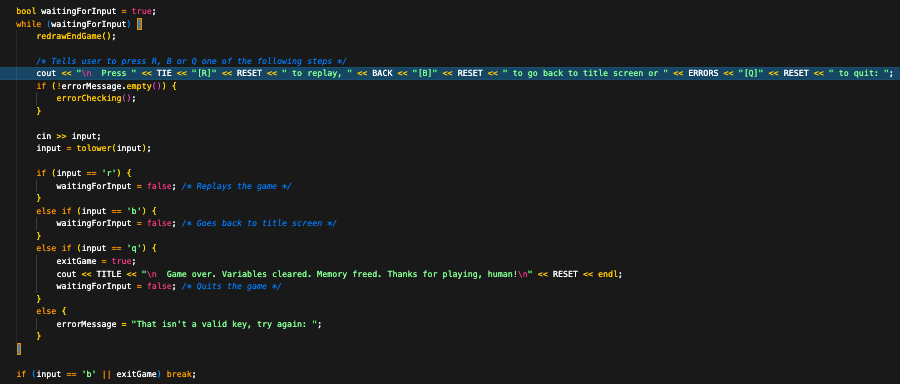
is full or until there is a clear winner. Once the game has ended, it checks possible win positions against the pieces of both players and decides if there is a winner or if the game has tied, displaying the results
along with asking if they want to play again or quit the game. The advanced version has this and much much more, starting with a main menu providing the players with a variety of different options to choose from such as
an options menu to change their names and pieces from the default values of Player 1/Player 2 and X/O, a statistics menu to view the scoreboards of each player and an instructions manual to learn how to play and which
keys each section has. The last option in the main menu is the option to start the game, the game logic between both versions is the same with the additions of colour throughout the application and redrawing the grid at the
end of the game which prevents any issues with the extra options that the advanced version offers.
click to preview images
tablet pcs inc
During my time at College, one of the assignments I had for the Web Development module was to create a website for a tech company called Tablet PCs Inc who aimed to provide both college and university students a place
to purchase devices cheaper than they could purchase elsewhere, the website needed to be functional while also fitting a specific criteria such as a limited colour palette, a gallery of their products and a cart to display the products that the user was about to purchase. Although the website was left
in an unfinished state, I started off by making sure their company name and logo was displayed clearly on the home page, along with a visible message directed towards their target audience. For the gallery, I wanted to display the product images along with device specifications making sure
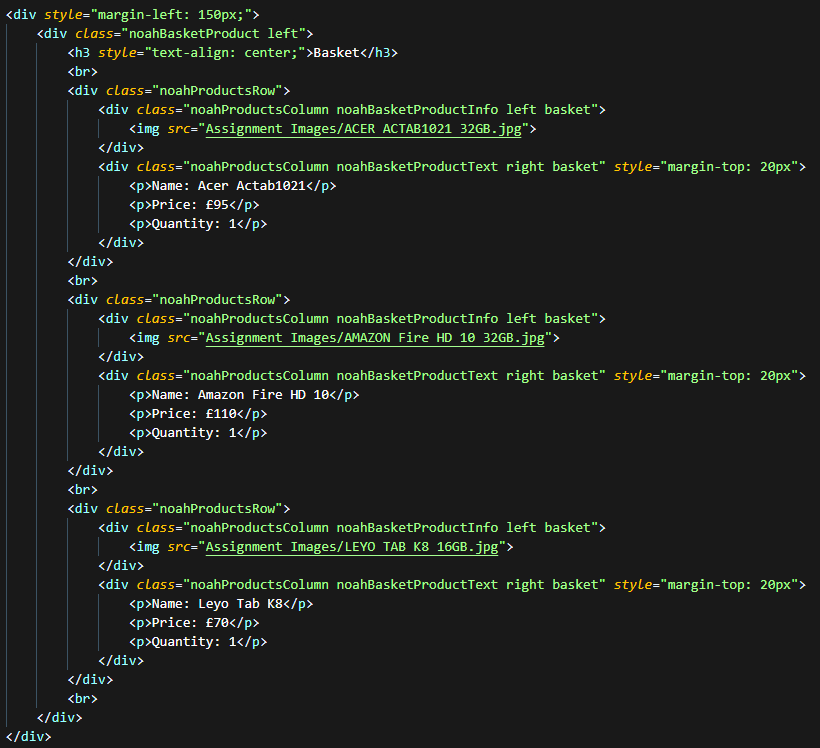
that the user could see exactly what the device is. The products page had a semi functional button to Add to Cart playing a sound, however the functionality behind actually adding it to the cart was not implemented, this goes hand in hand with the unfinished basket page
as the page consisted of prechosen devices, price and tax to display rather than generated as the user interacts with the products.
click to preview images
toastoku app
Toastoku started off as an idea for a Discord Bot but has started to make it's way from JavaScript into a Python desktop app! While the bot proceeds to be more accessible for Discord users especially for quick games and multiplayer sessions, the desktop version is designed
to provide the user with a more offline experience that they can enjoy anytime without needing an internet connection. For the desktop app, I chose to keep the iconic Toastoku themes to keep the project familiar to the original version even
though the platform it is intended for is different. Developing a desktop app has given me the opportunity to work on creating a more detailed design that fits the Toasty theme without being limited to Discords user interface.
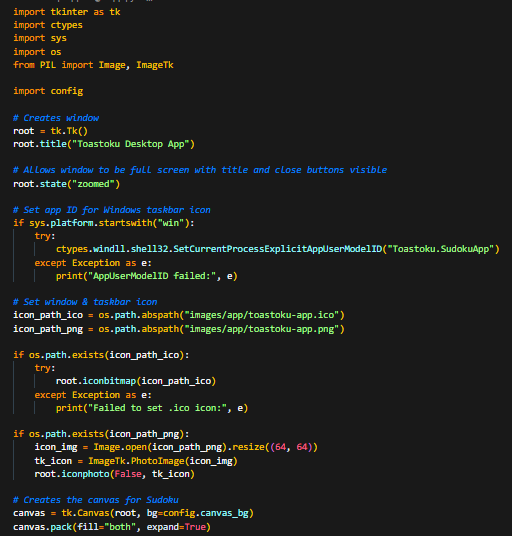
While gameplay wasn't implemented at this time, the user can choose between themes and difficulties, with the options chosen being displayed on the left side of the application. Focusing on themes and difficulty selectors allows me to test how smooth and consistant the visuals are
before the gameplay mechanics have been added. The overall goal for the desktop application is to provide a unique Sudoku experience that Toastoku is known for, while also offering a smoother singleplayer experience. Ultimately, the goal is for the desktop application to be the next
step for Toastoku.
click to preview images
toastoku bot
Toastoku offers the familiar Sudoku experience but with a twist, offering a variety of different themes and difficulties to choose from. The idea for the Discord Bot originally came from another Sudoku application that had awful playability especially within the multiplayer modes,
this gave me the idea to create a more supported version. The first theme that I started to explore was Toast and while this is the main theme, I wanted the bot to remain accessible so I decided to keep the original numbers as the default theme. Alongside the default and Toast themes I
also added a colourblind friendly variant of the Toast theme and several other visual styles. Toastoku plays like standard Sudoku, but with the options to choose between numbers or emoji based themes, difficulties ranging from Very Easy to Expert
and whether you play alone or with up to 3 other members. The decision behind the main theme being Toast comes from the ToastieLabs Discord Community, inclusivity was an important part of
building Toastoku because I wanted the bot to be accessible to everyone, no matter what experience they have with Sudoku.
click to preview images